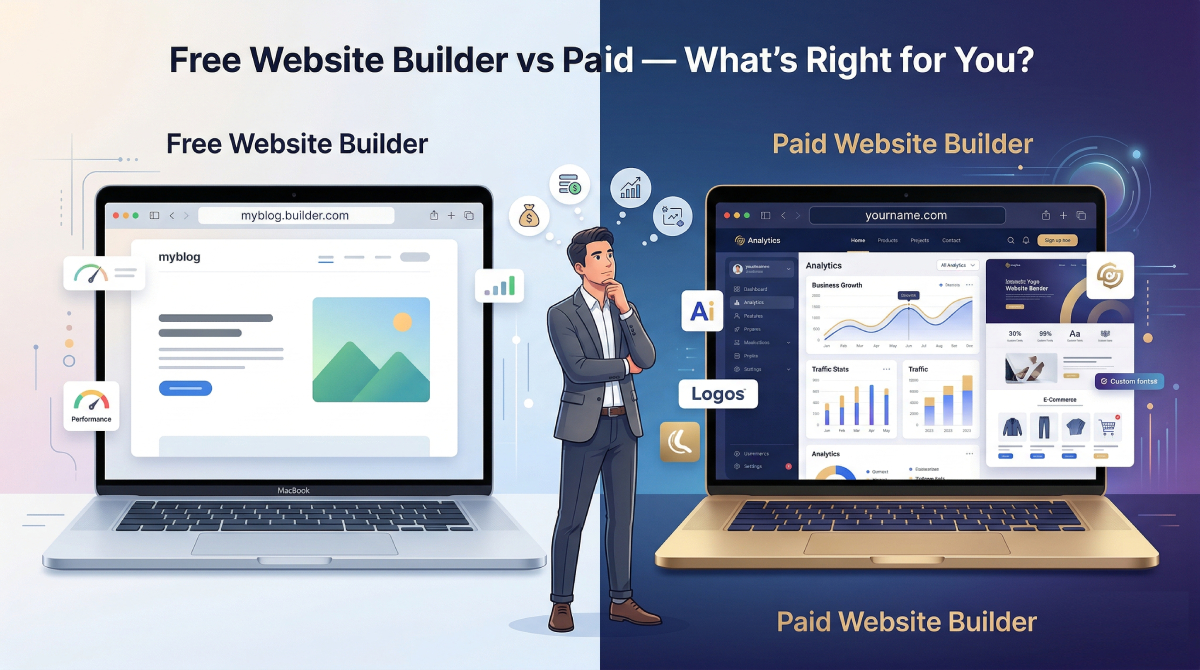
Free website builders sound appealing because they lower the upfront risk of getting started. For some consultants, that is a real advantage. But the real decision is not just free versus paid. It is low upfront cost versus higher long term friction.
If your website plays even a modest role in referrals, credibility, or new business, the smarter choice depends on what the site needs to do for you now, not just what it costs today.
When a free website builder is enough
A free plan can be reasonable when your goal is simple: get a basic page online while you clarify your offer. It can also help if you are testing whether you want a personal site before committing to anything more polished.
At that stage, speed matters more than perfection. If a free plan helps you move from no site to a visible starting point, it can be useful.
Where free plans usually start to break down
The limitations show up quickly once the website starts carrying real business weight. A site that feels temporary can weaken the impression you make in referral moments.
- Platform branding can make the site feel less professional.
- Awkward subdomains can reduce trust.
- Customization limits can make the message harder to shape clearly.
- Missing integrations can slow down contact, booking, or analytics.
Those issues may not matter for an experiment. They matter much more when serious prospects are landing on the page.
What paid builders actually buy you
Paying does not automatically create a better website. But it usually gives you more control over the parts that affect credibility and ease of publishing.
- A cleaner domain and presentation.
- More control over structure and layout.
- Better support for forms, booking, and analytics.
- An easier path to a site that feels intentional rather than provisional.
For consultants, the value of a paid tool often comes less from design freedom and more from reduced friction.
The hidden cost of waiting too long
Many professionals compare builders for weeks because the research feels productive. But delay has a cost. Every month without a credible website is another month of weaker referral follow through, weaker search visibility, and no clear place to send serious prospects.
That cost is easy to ignore because it rarely shows up as a line item. But in practice, delay is often more expensive than the software itself.
What matters more than price
If you are deciding between builders, ask better questions than just what the monthly plan costs.
- Can I publish quickly without a lot of setup friction?
- Will the site feel credible to a serious buyer?
- Can I edit it easily when my message evolves?
- Does it support the next step I want visitors to take?
- Can I get a clean domain and clear structure without extra hassle?
Those answers usually shape the business outcome more than the sticker price does.
A simple decision framework
Use a free builder if
- You need a temporary starting point.
- You are still testing your message.
- You are comfortable with visible limitations for now.
Choose a paid builder if
- Your website will support referrals or direct outreach.
- You want a cleaner and more credible presentation.
- You need easier editing, stronger structure, or better integrations.
- You want to publish once and improve from a stronger base.
What usually makes the best business decision
For most consultants, the best decision is the one that gets a credible website live without creating unnecessary drag. That does not always mean the most expensive platform. It does mean being honest about whether a free plan is helping you move or simply delaying a better setup.
A free builder can be a useful first step. It should not become a permanent excuse for staying half finished.
Final takeaway
The right builder is the one that helps you publish a clear, trustworthy site with the least friction. If a free tool gets you there quickly, use it. If a paid tool helps you launch faster and look more credible, the cost is usually easy to justify.
For consultants, the bigger risk is often not paying for the wrong builder. It is waiting too long to publish at all.